
in partnership with

Familiarization
Before starting the actual brighness test, it's essential to familiarize yourself with the symbol you'll be looking for in the upcoming test. This step ensures that you can recognize the shape and structure of the symbol under optimal conditions. Once you are confident, just click next button.

PLACE YOUR CARD HERE

Common question about this step
What if I can't see the symbol at this stage?
Then it is highly recommended that you try out LG's Diagnostic monitors, Clinical Review, and Surgical Monitors that are designed for radiologists and healthcare professionals, ensuring the highest standard of imaging quality.
Can I take the test on a phone or tablet?
While possible, this test is designed to test monitors and not any other device.
How do I know if my monitor is medical-grade?
Standard Monitors ( Like those in the offices or homes ) usually have a brightness of 200-350 cd/m2, while medical monitors used for diagnostic imaging start at 400 cd/m2. Through this simple test you can see what type of monitor you are currently using.
ALREADY CAN’T SEE THE SYMBOL?
Your monitor might not be suitable for medical imaging. Don’t risk missing critical details in your diagnostics. Get a free Consultation Today! Our experts can help you find the right medical-grade monitor for accurate imaging and compliance with DICOM standards.
Get Free Consultation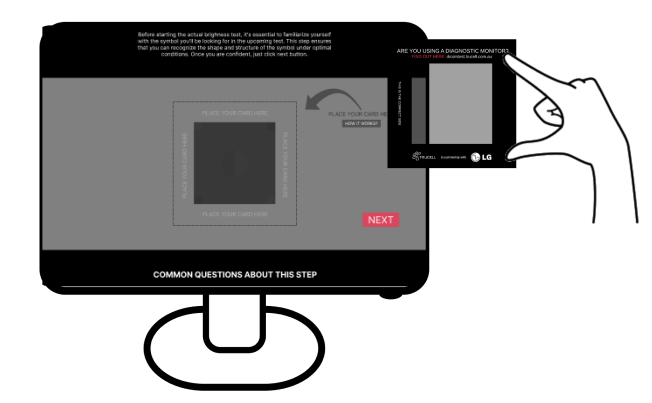



Disclaimer
This test is non-clinical and does not replace a professional calibration or regulatory assessment. Always follow institutional guidelines and manufacturer recommendations for diagnostic displays.